Files & folders
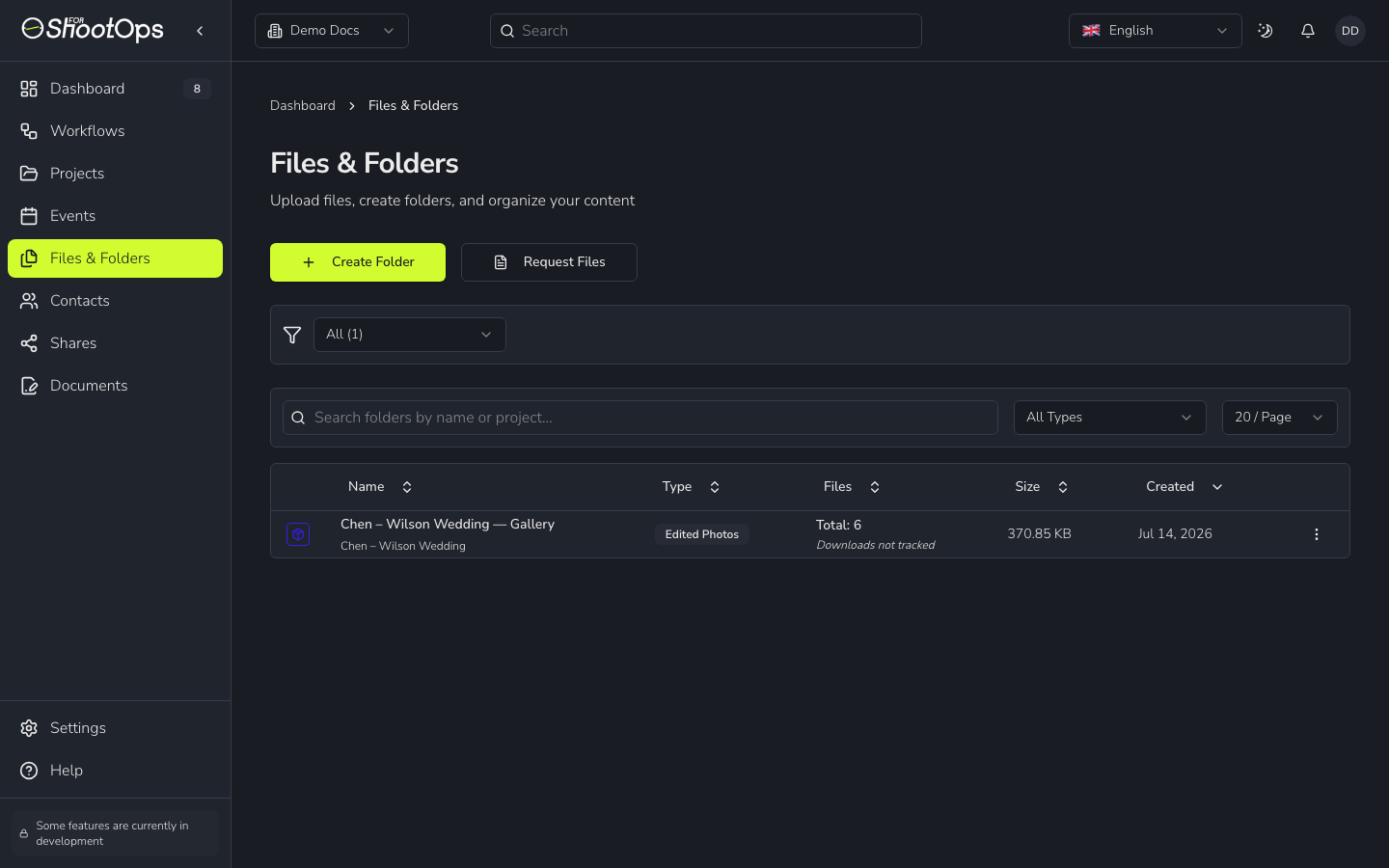
Every photo and video you upload lives in a folder. Folders keep a job's footage and finished work organised, and they're what you share with clients.
Warning
Uploads only work once you've connected storage. If Upload is disabled, finish Connect your storage first — 4ShootOps stores files in your own cloud bucket.
Create a folder
From Files & Folders, click Create Folder, then choose what kind of folder it is:
Photos — RAW / Video — RAW
Unedited footage straight off the camera, tied to a shoot. Great for backing up everything from a session.
Photos — edited / Video — edited
Finished, deliverable work. An edited folder is treated as a delivery — you set what's due and who's responsible, and reminders chase it for you.
You can link a folder to a project and a shoot so everything for a job stays together.
Upload files
Open a folder and click Upload Files (or drag files straight onto the page). Each file uploads directly to your connected bucket; you'll see progress per file, and the folder tracks the count and total size.
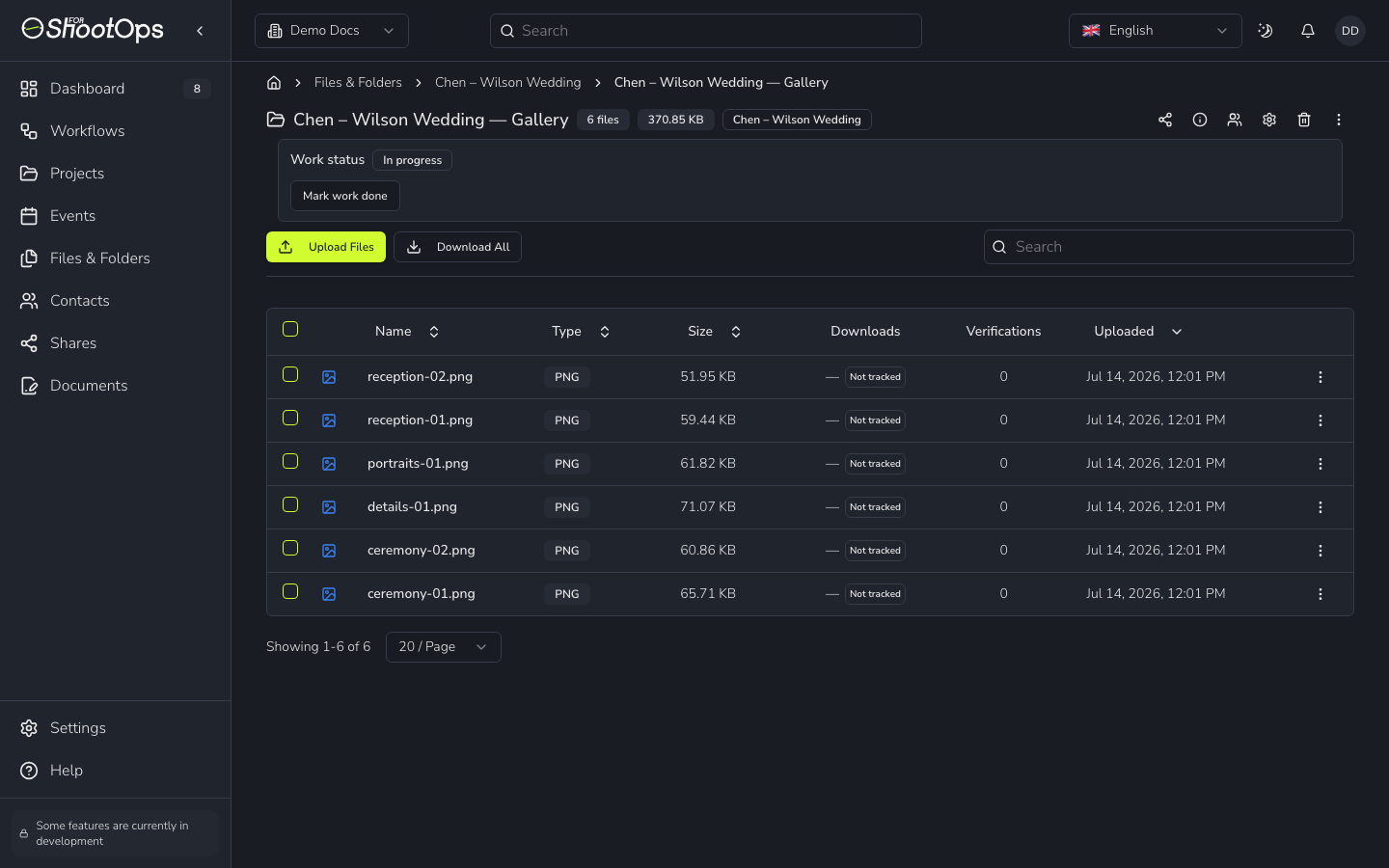
- Download All grabs everything in the folder as a zip.
- Mark work done flips the folder's status once it's ready to hand over.
- The Downloads and Verifications columns show delivery tracking once clients start downloading.
Next
When a folder is ready for the client, share it as a gallery.